
Digital Asset Dealer
Getting Started with 1109x
Before using our services, please review the registration steps, identity verification process, and the list of required documents so your onboarding is fast and complete.
Onboarding Overview
Step-by-step Registration Guide
-
Verify Basic Eligibility
Before starting your application, verify the required qualifications and information to help avoid delays in identity verification.
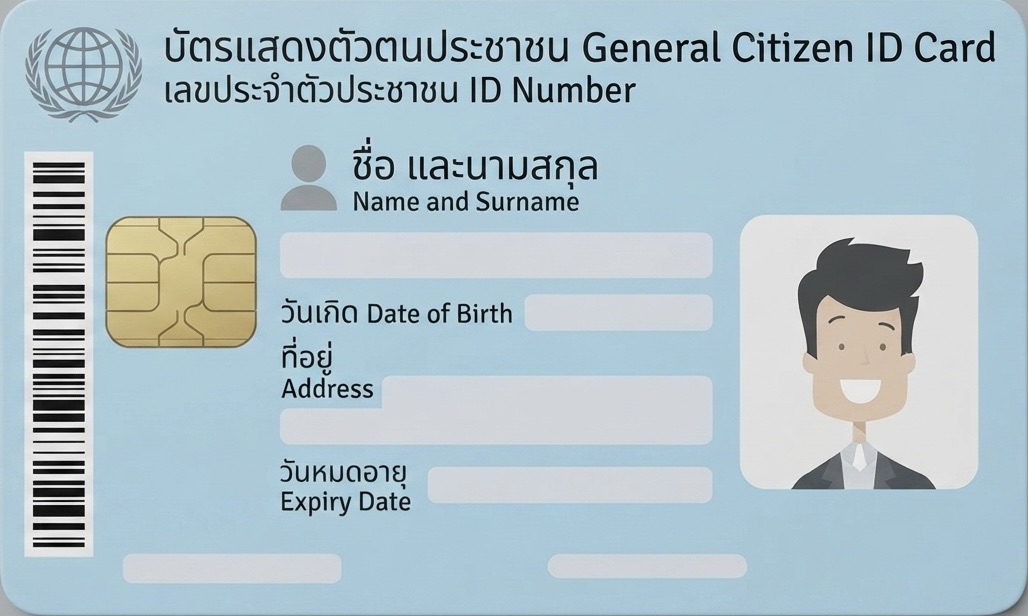
ID card 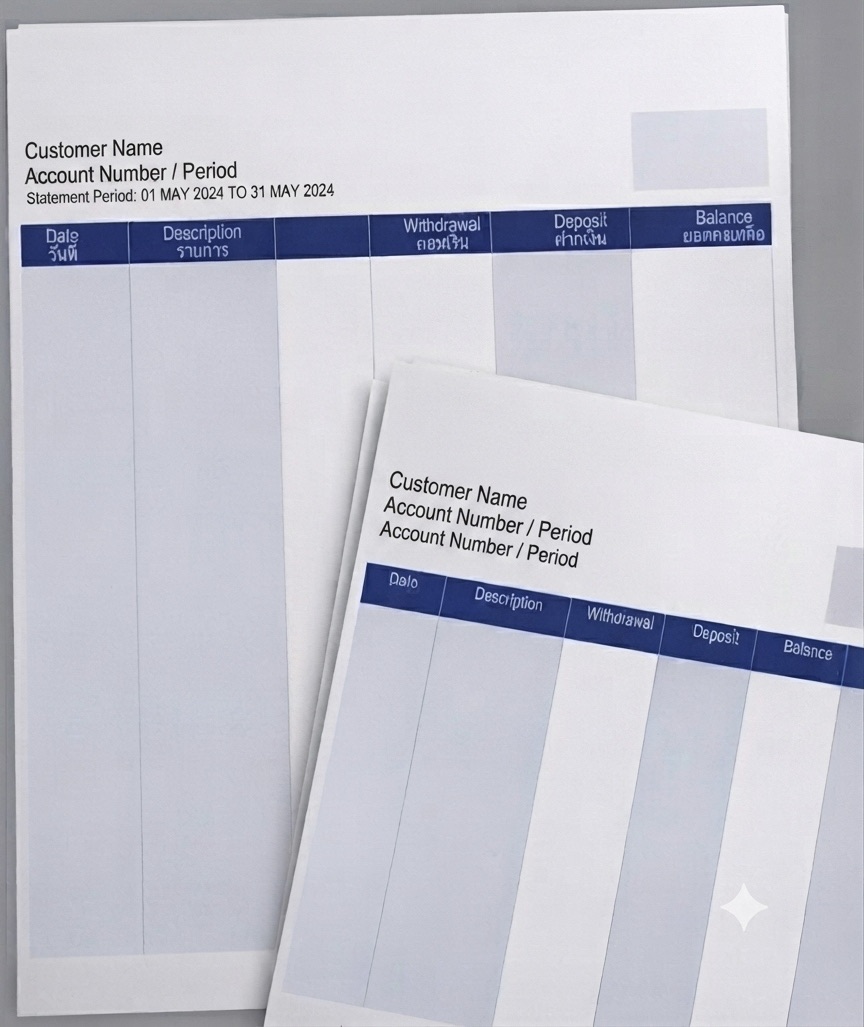
Bank statement 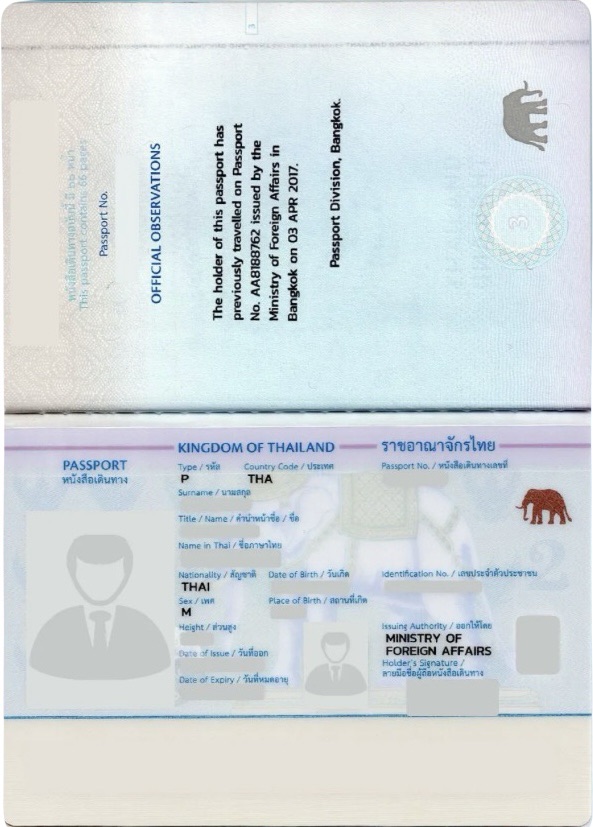
Passport - A valid identity document (ID card/passport) that has not expired
- A bank account in your own name or your company name
- A reachable email address and phone number
- Information on source of funds and purpose of using the service
- For corporate applicants, company documents and a list of authorized signatories
-
Register
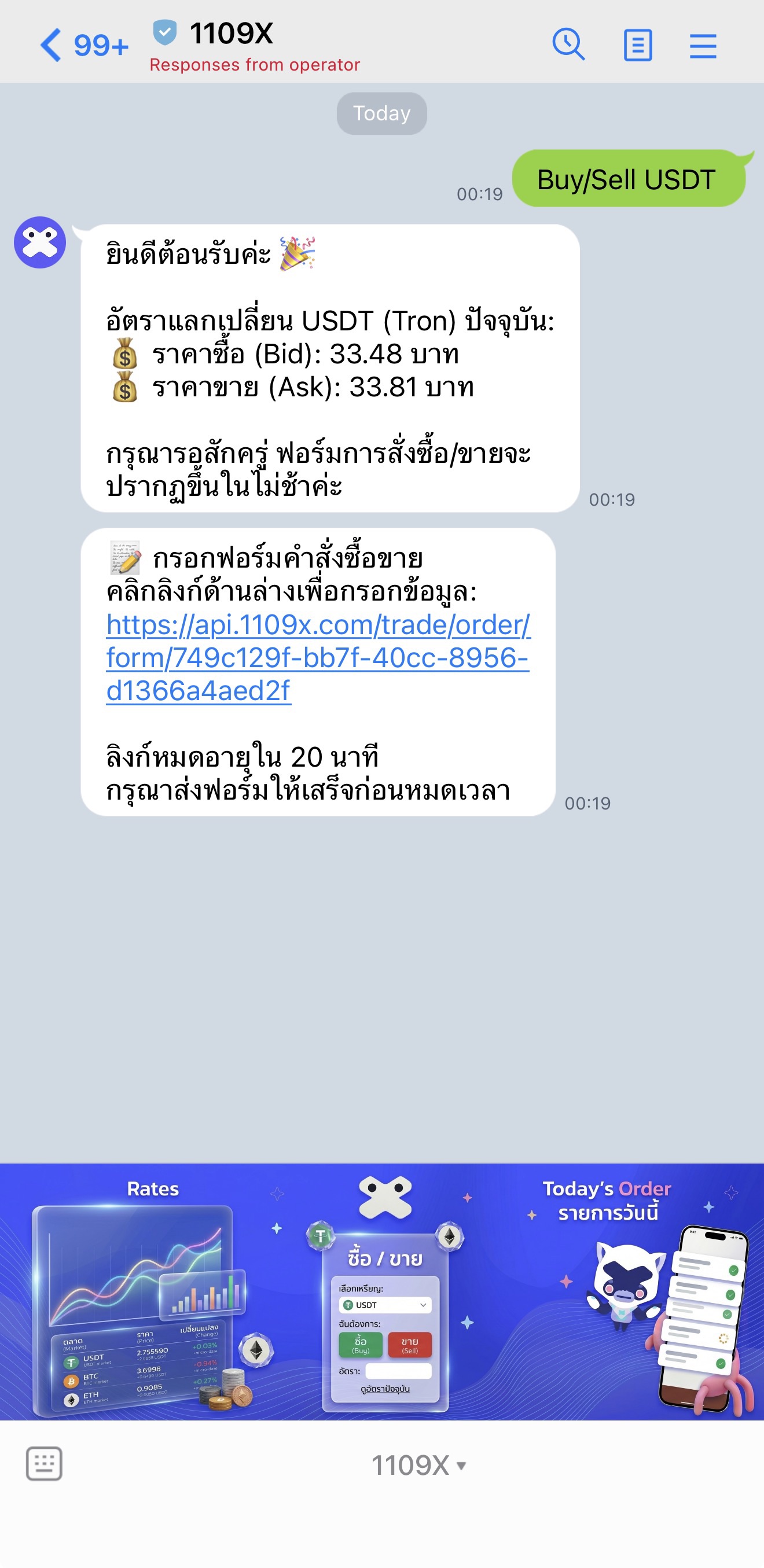
Start registration through the company's official channels: Line Official Account @1109x or other channels designated by the company.
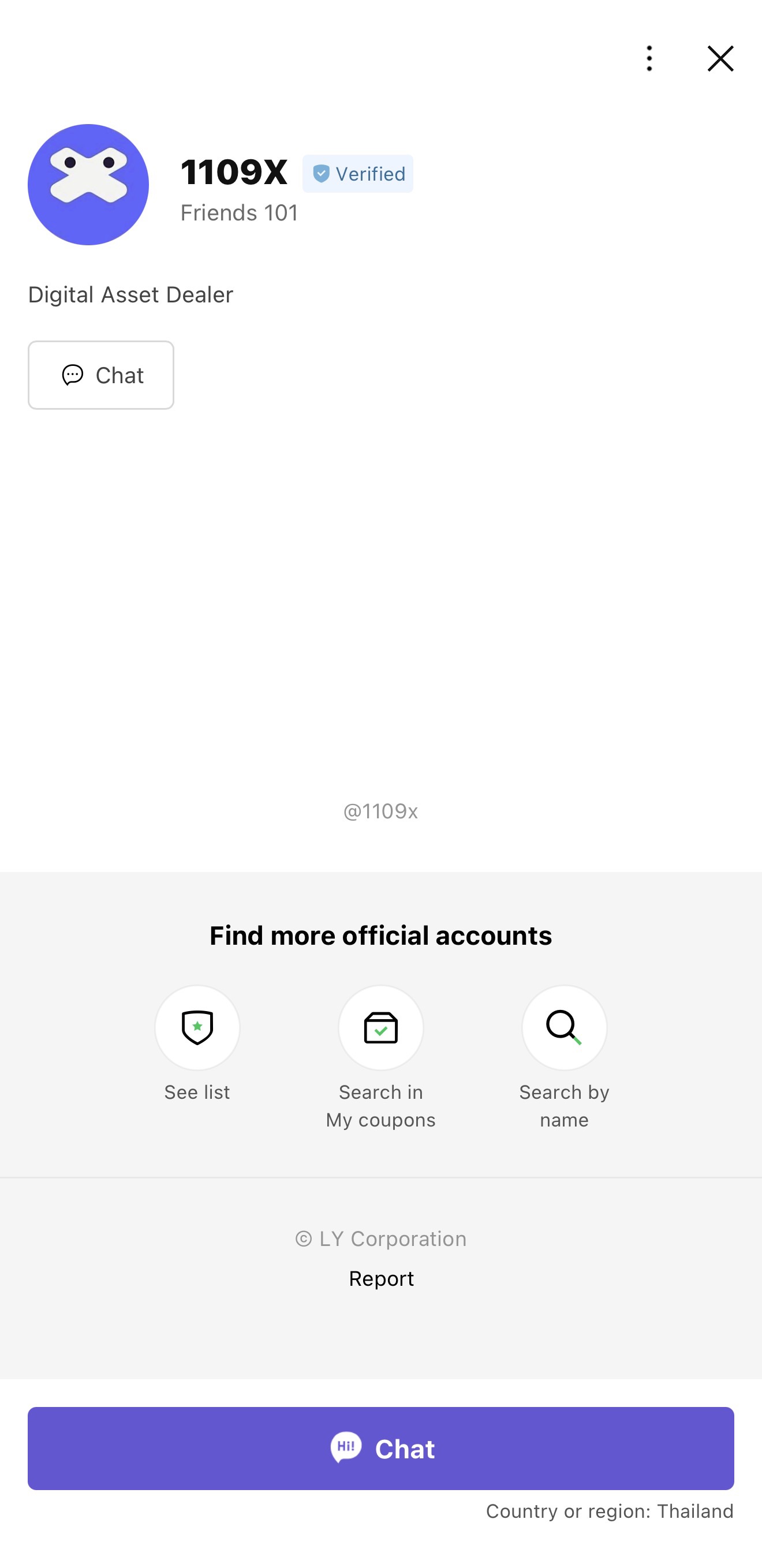
Add Line Official Account @1109x as a friend 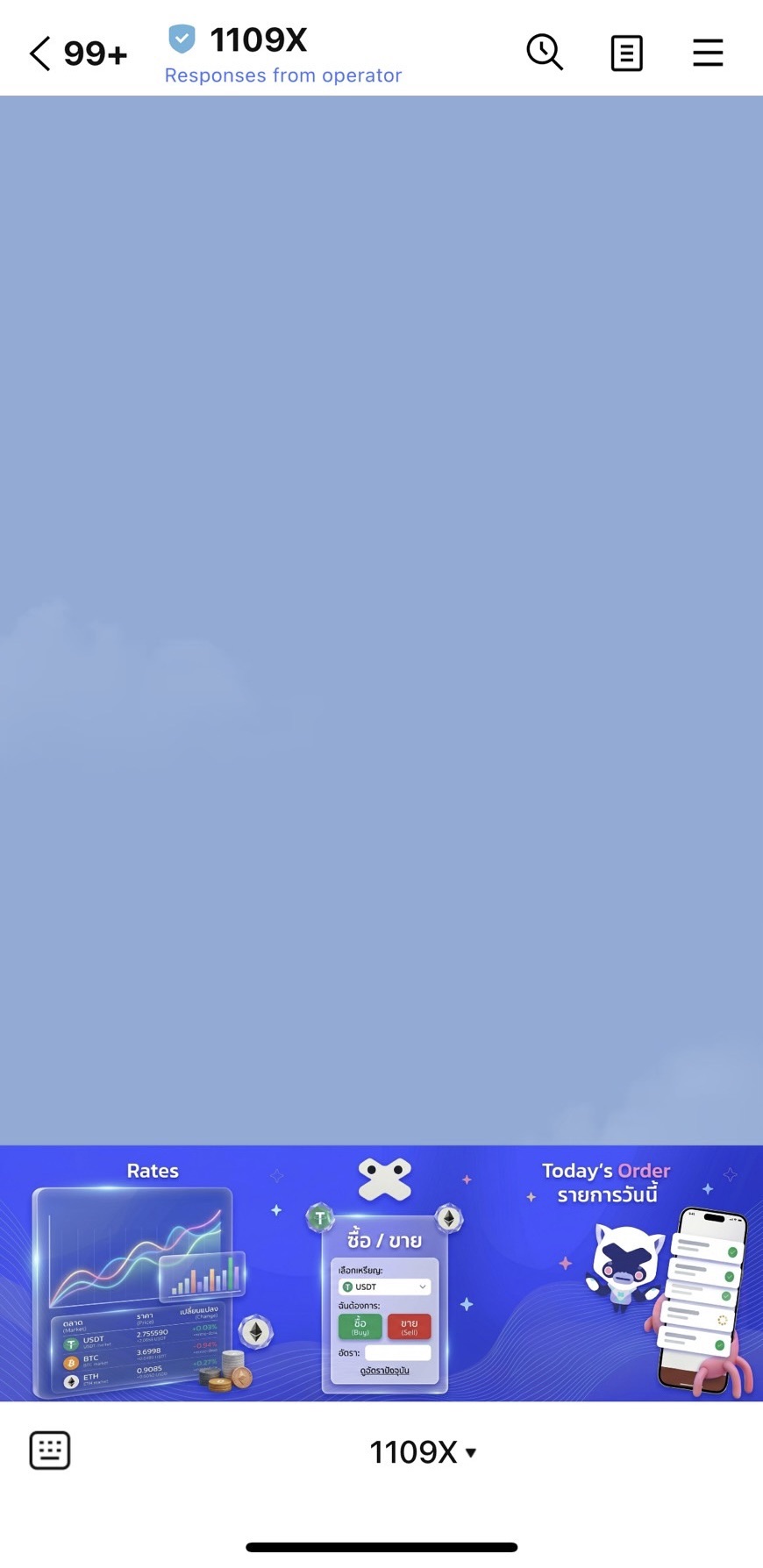
Enter the official chat room of 1109x 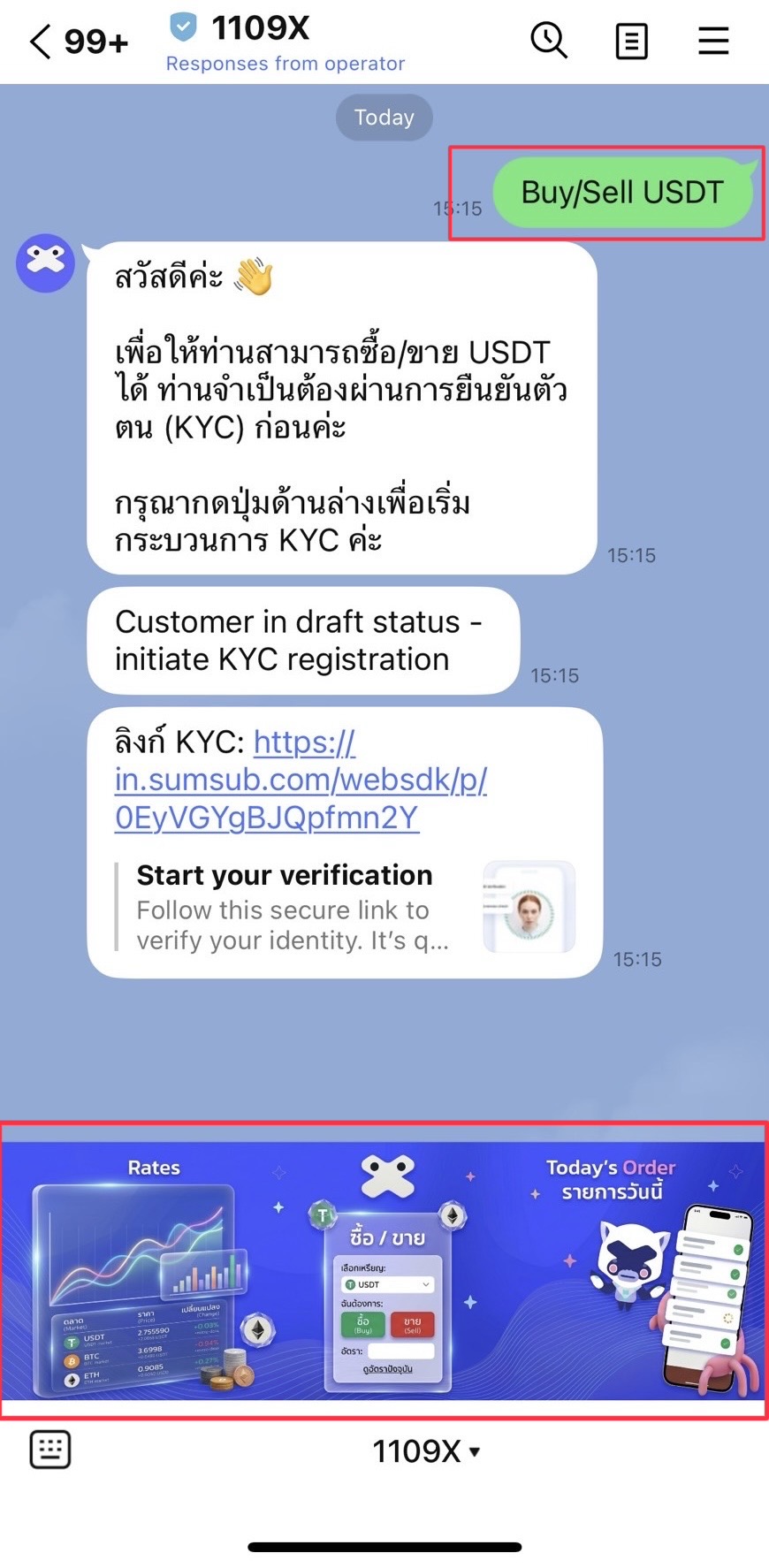
Once inside, tap the menu at the bottom of the chat or type a message to express your intent. The company will then send a Sumsub link for KYC verification. -
Verify identity and complete KYC / KYB
After registration, customers must provide personal details, financial information, purpose of use, source of funds, and other information required by the company forms, together with clear and complete supporting documents, so that identity verification and risk assessment can proceed quickly.
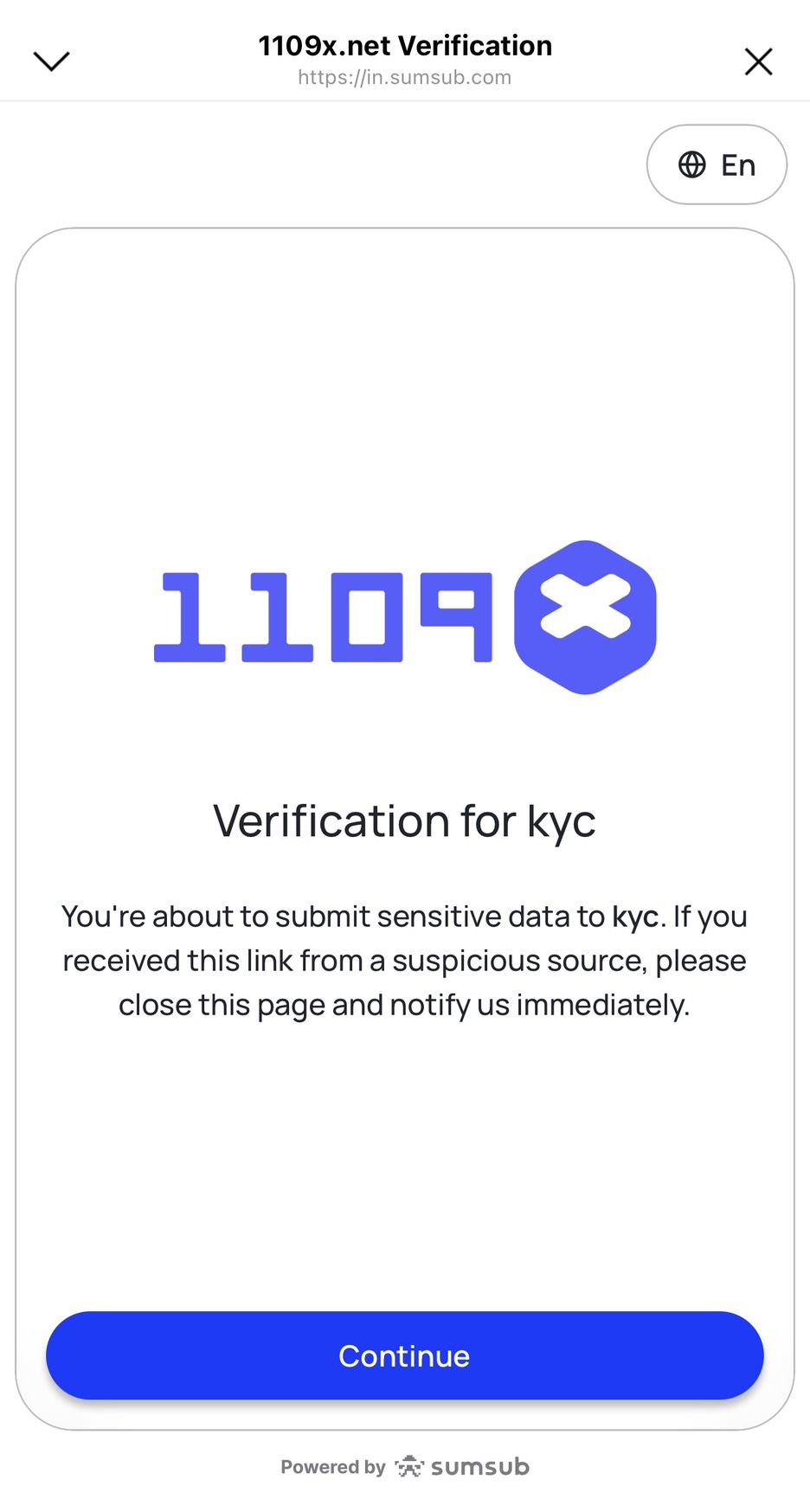
Step 1 Open the Sumsub link and start the identity verification process 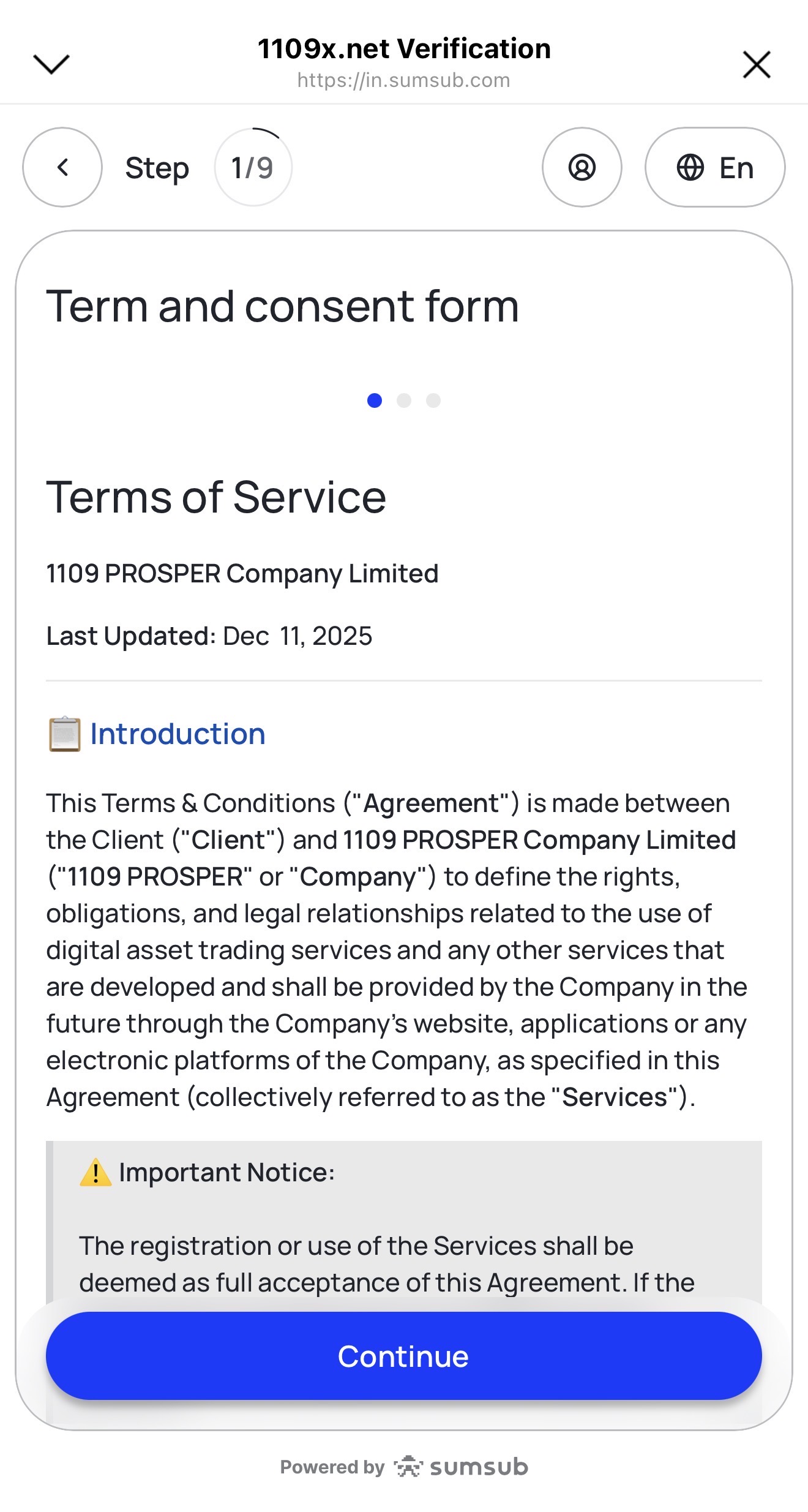
Step 2 Read and accept the Terms of Service 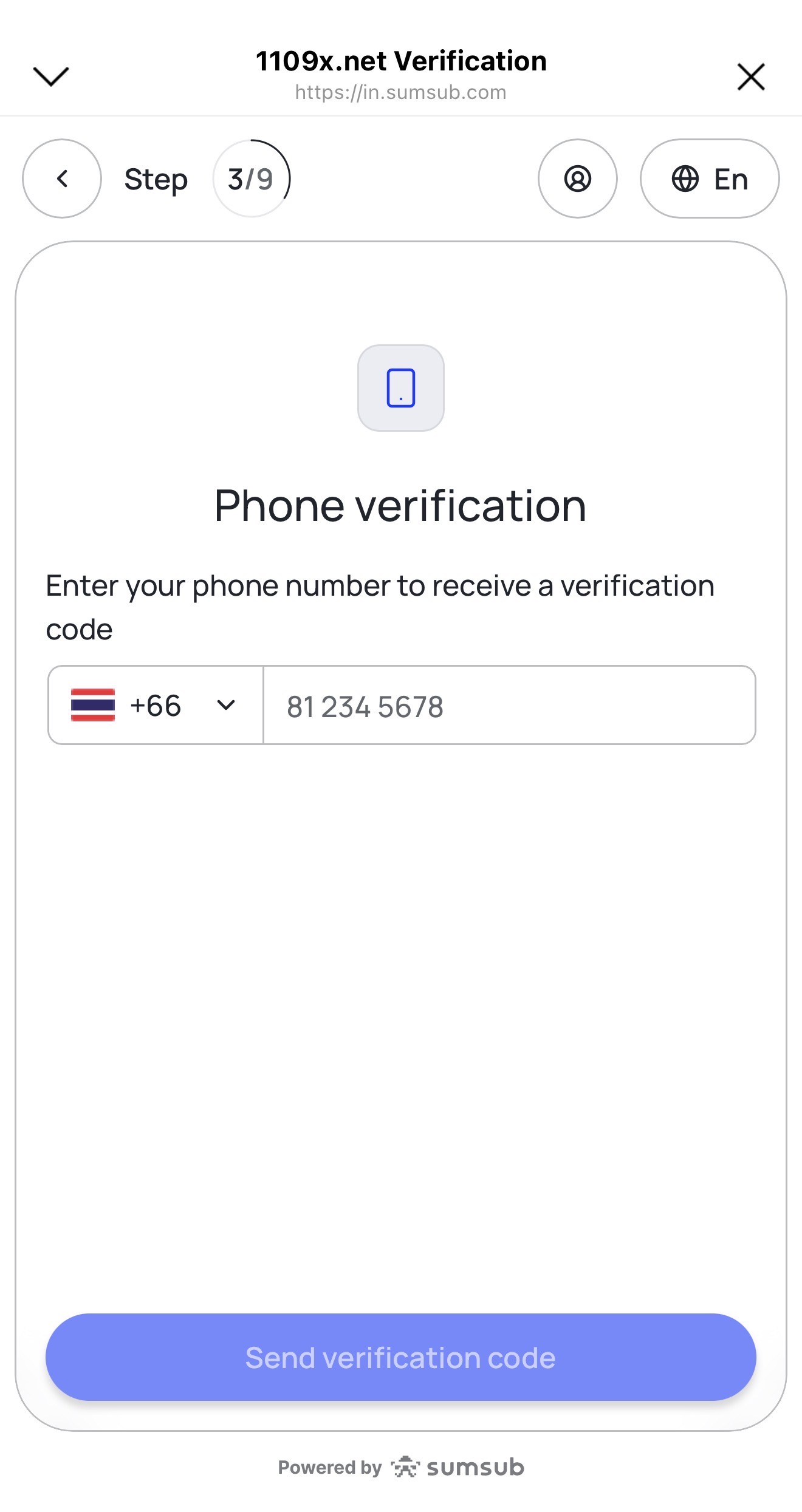
Step 3 Enter your mobile phone number, then tap Send verification code to receive an SMS code 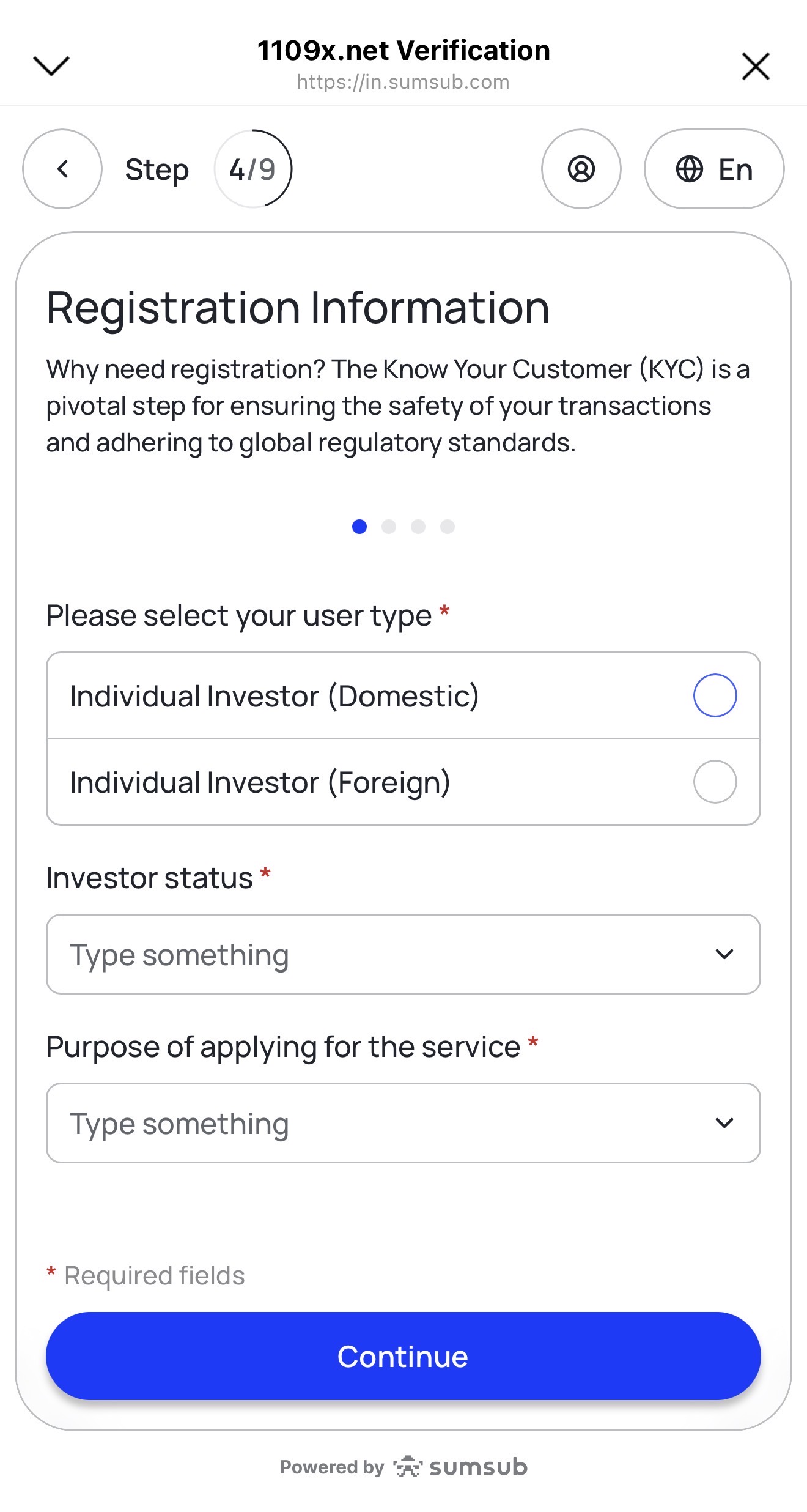
Step 4 Select your user type and complete the registration information 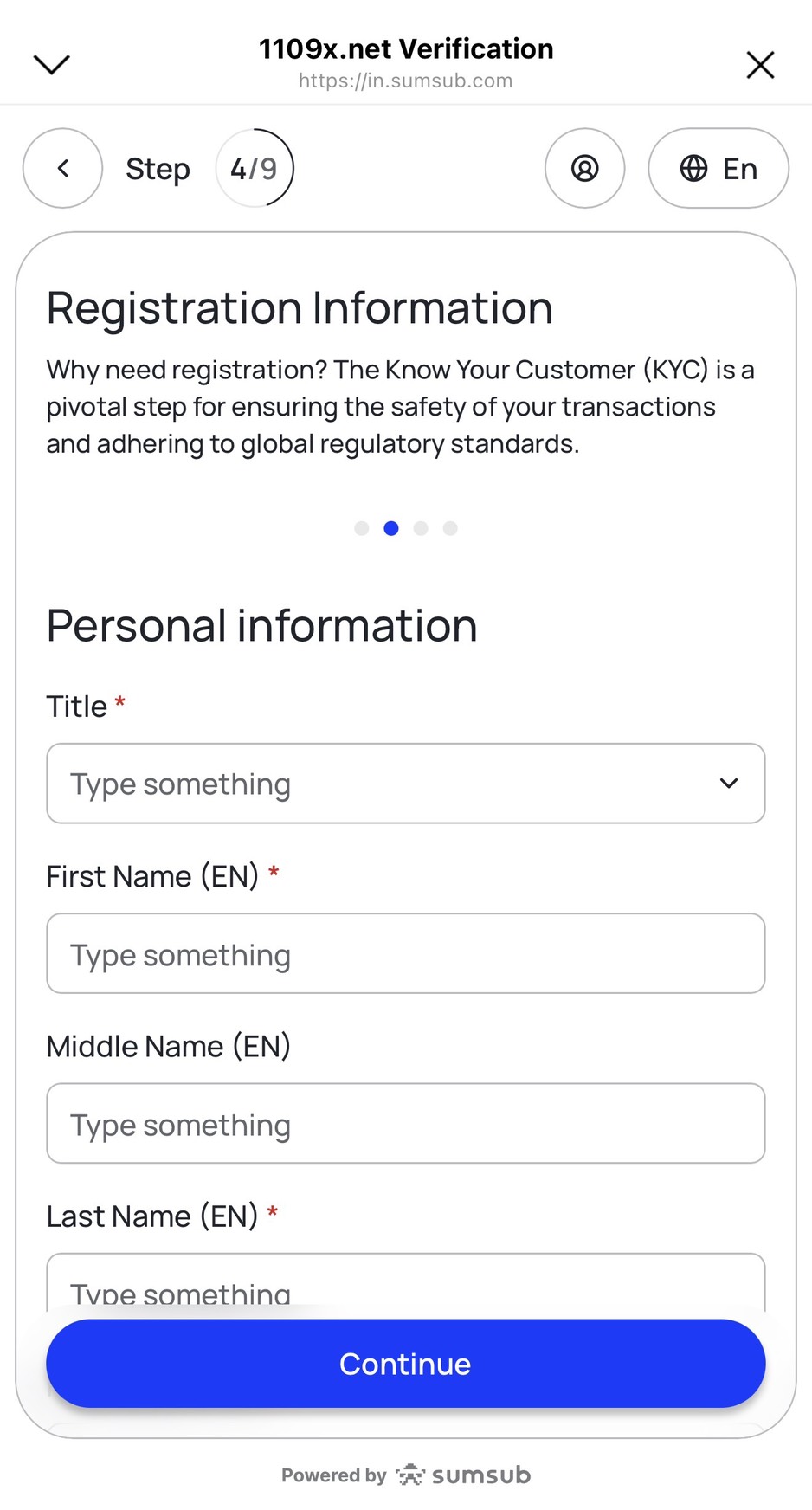
Step 5 Fill in personal information in the registration section 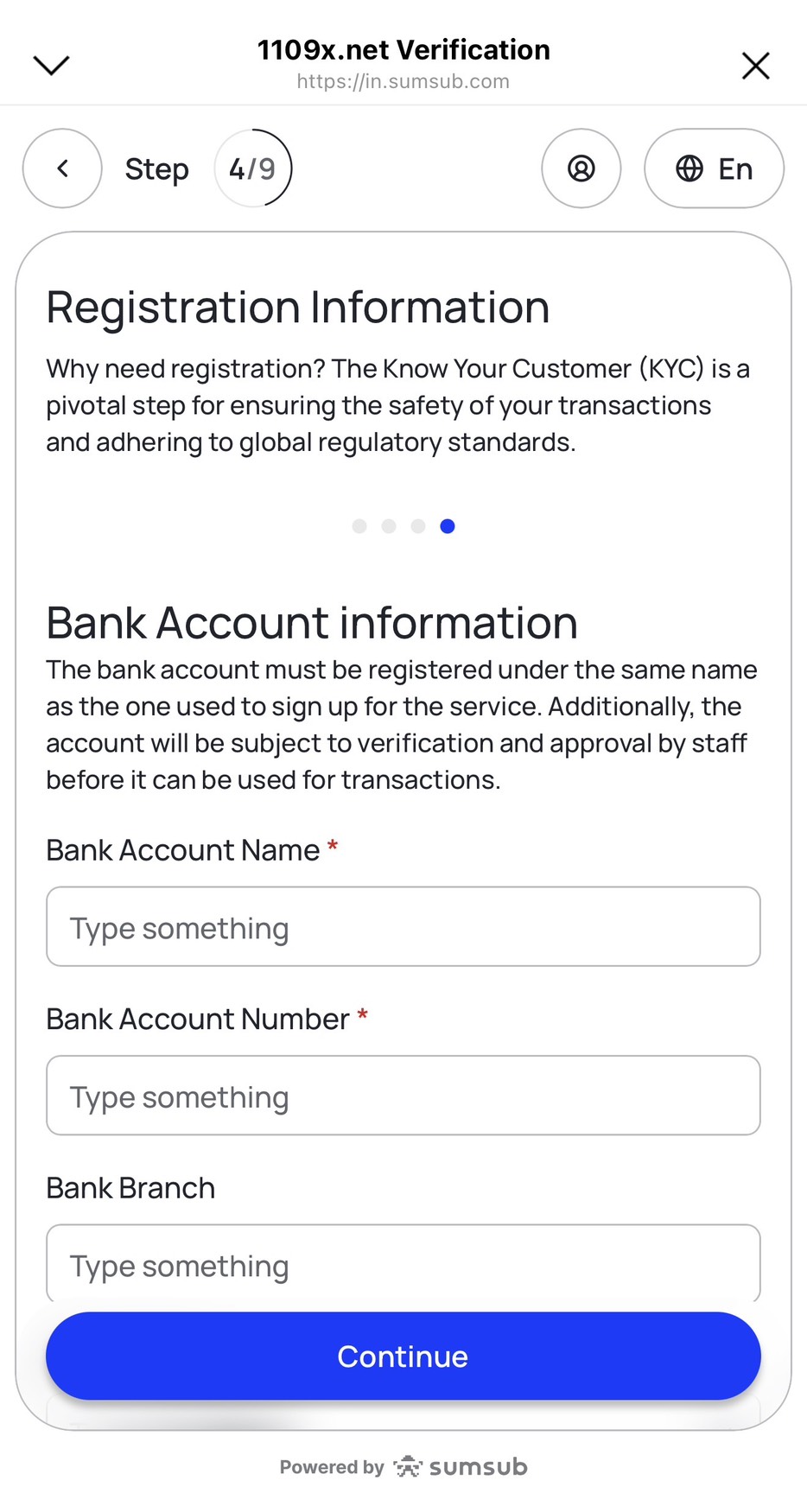
Step 6 Enter bank account details. The account name must match the registered name, including account name, account number, and bank branch 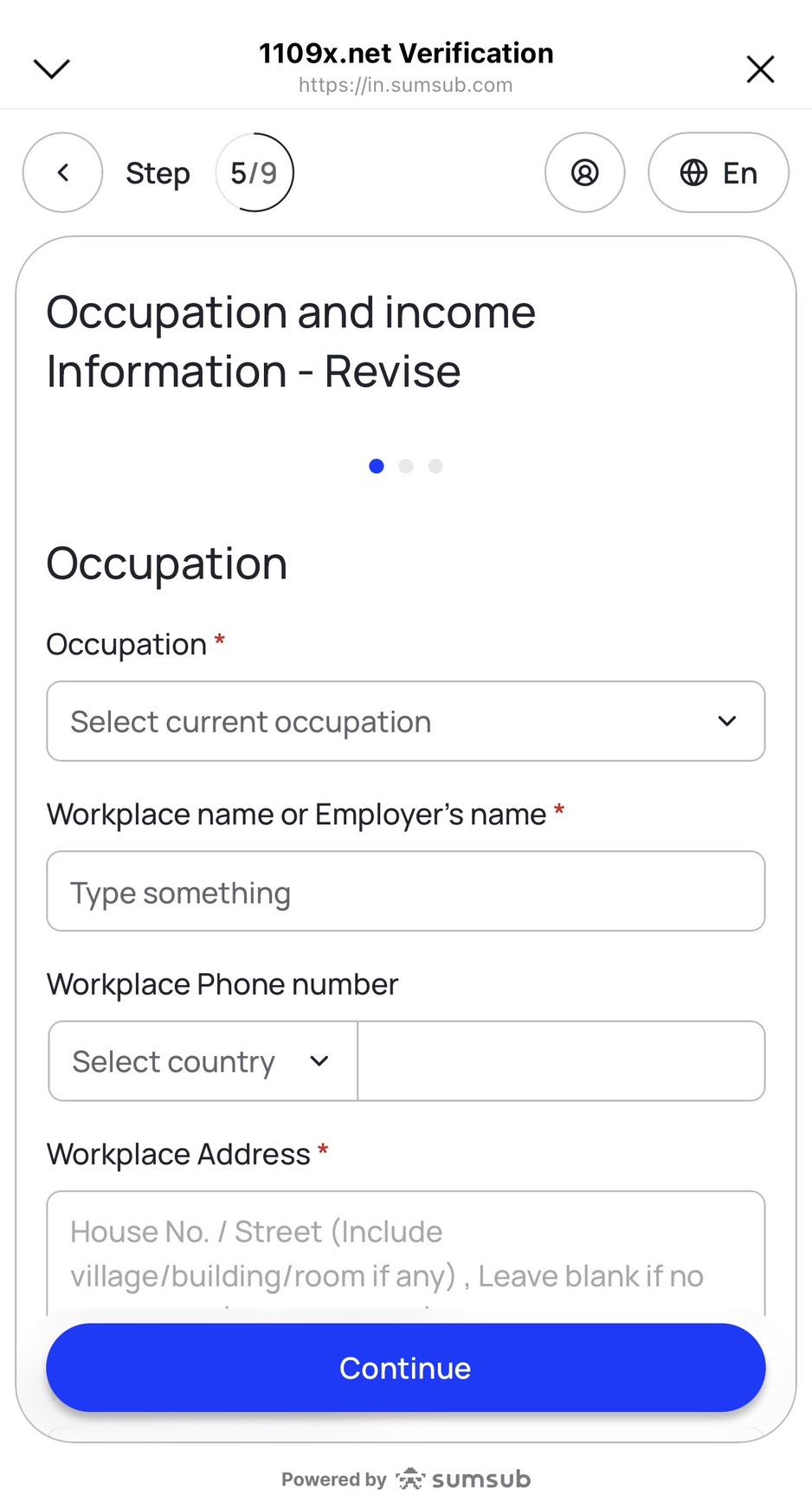
Step 7 Enter occupation, workplace name, address, and complete income information 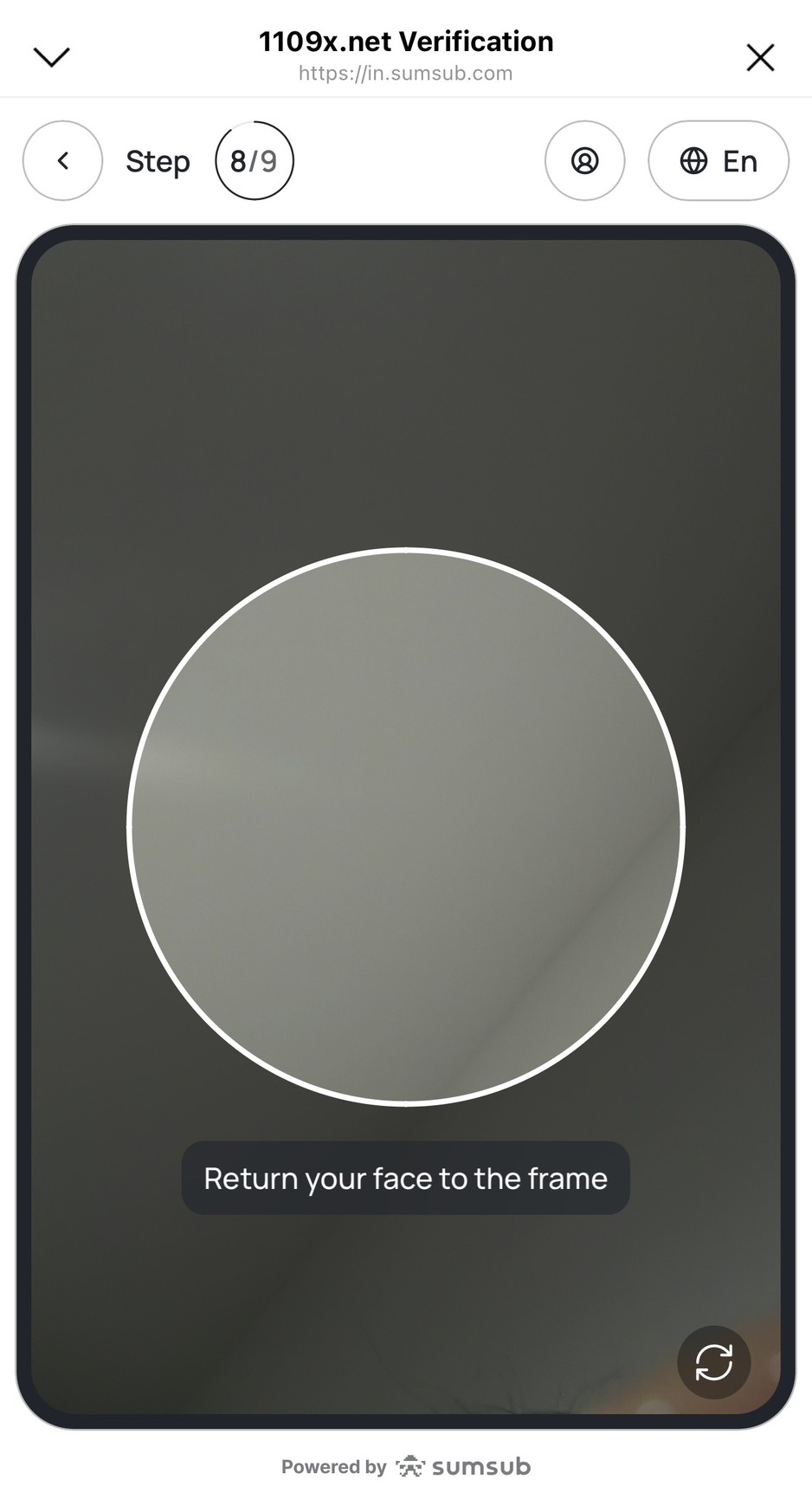
Step 8 Scan your face and position it inside the circle as instructed on screen 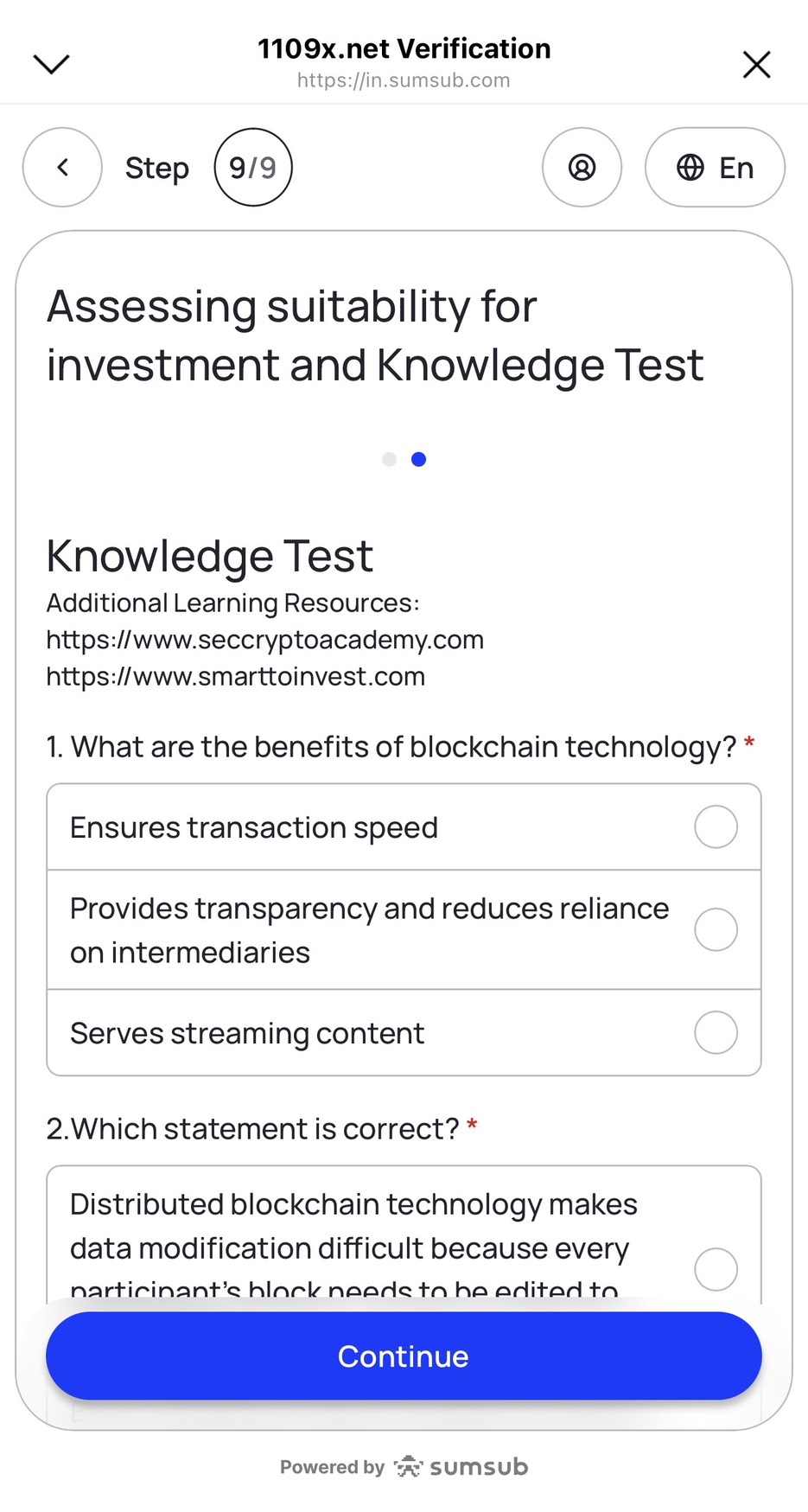
Step 9 Complete the Suitability Test by selecting your age range and answering all remaining questions 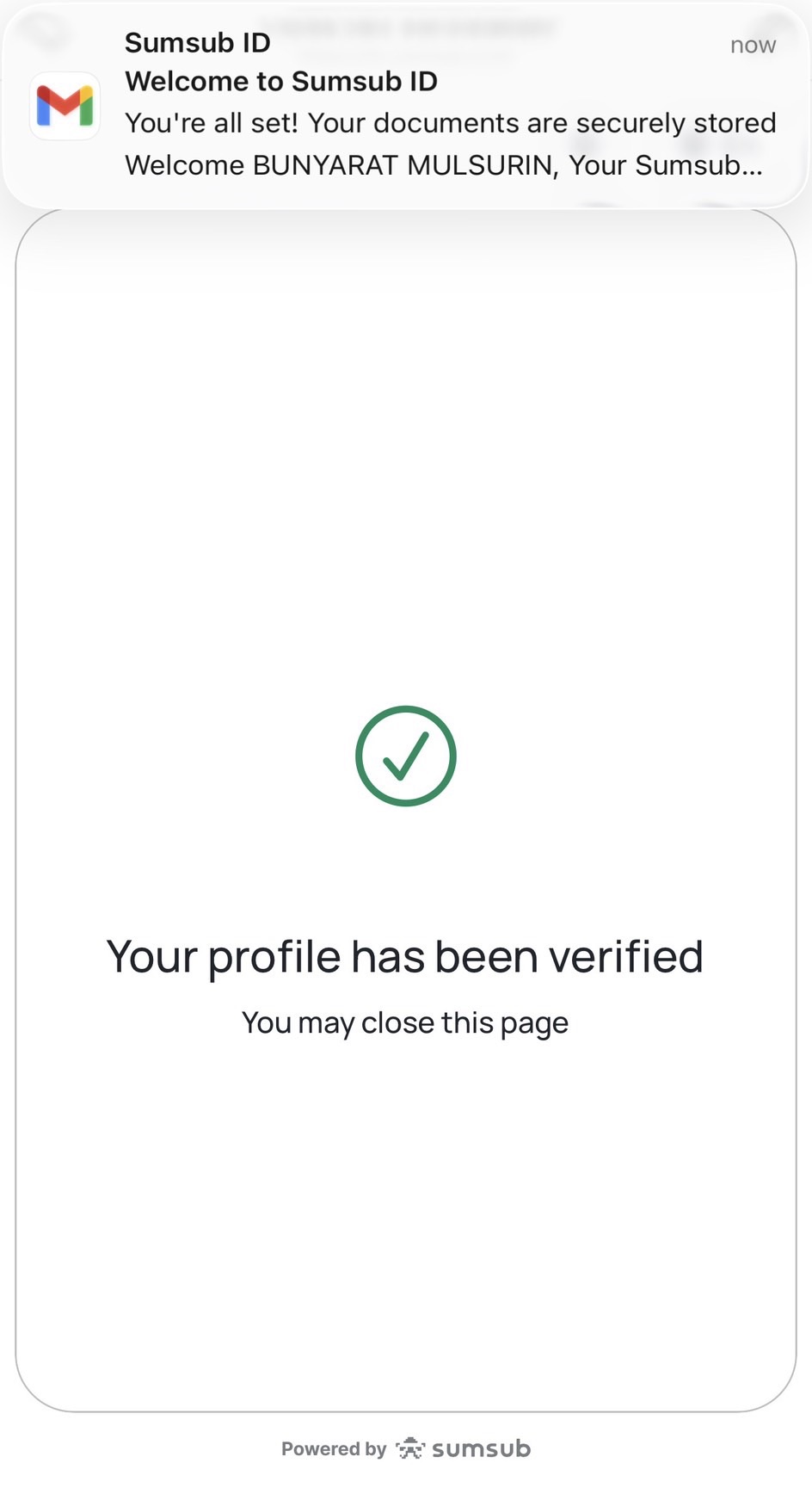
Step 10 After submission, the system shows pending review status from the service provider 
Step 11 Registration is complete and waiting for approval results For corporate customers (KYB)
After identity verification (KYC) is fully completed, customers can contact the 1109x Line Official Account to request corporate verification (KYB) immediately. The Compliance team will then reply by email with details and request the supporting documents required to proceed with the KYB process.
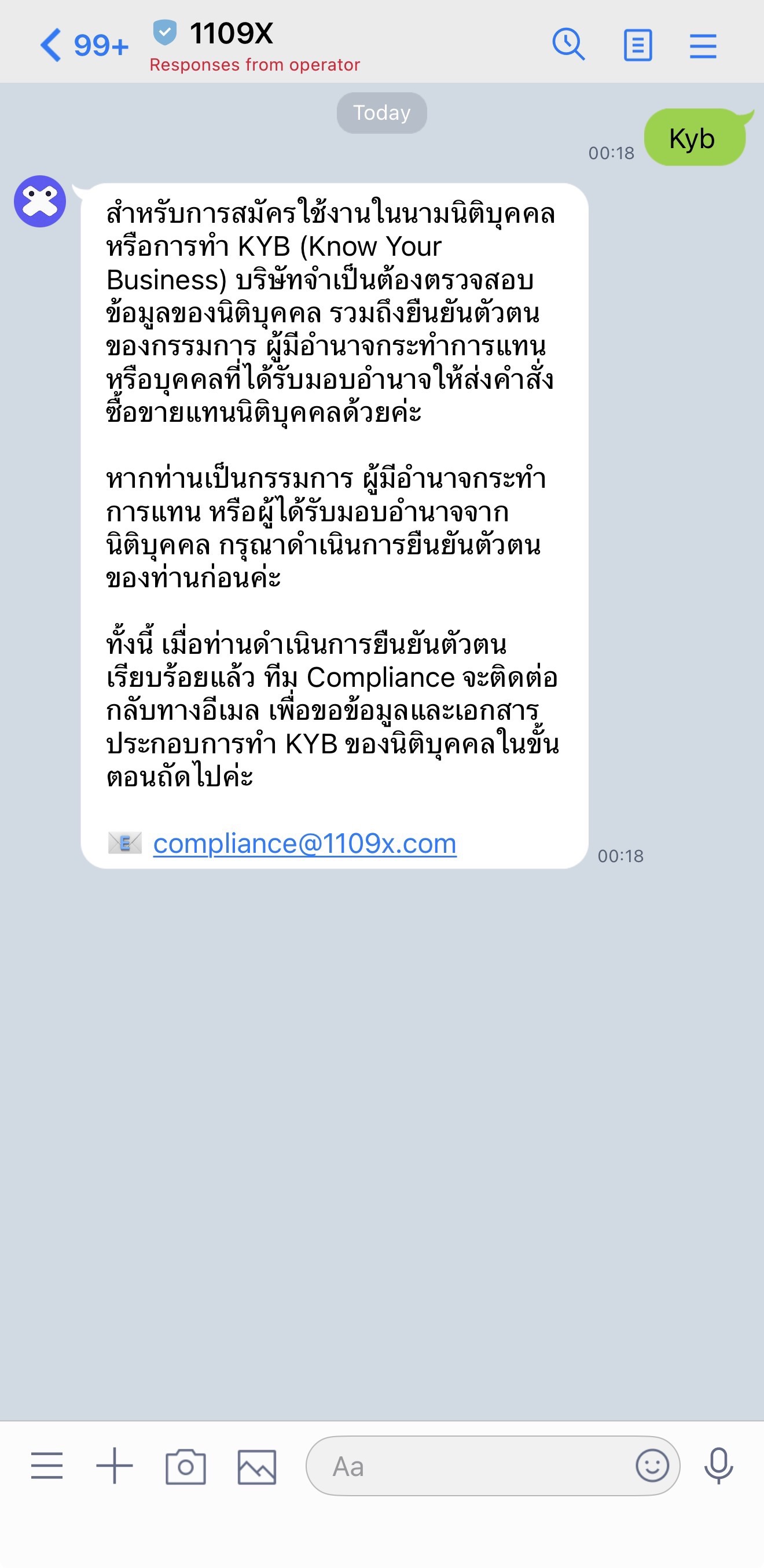
Example of the 1109x Line Official Account chat for requesting KYB processing -
Await review and approval
Once your information and documents are submitted, the company will review them, typically within 1–3 business days. If anything is missing or additional documents are needed, our staff will contact you through official company channels only.